Why Probe Management Gets Harder as Node Count Grows

· 16 min read

In the last half hour before month-end cutoff, the most uncomfortable sentence in the node onboarding channel is usually not, "How many machines are still missing the probe?" It is this one:

"We already installed probes on this batch, but does that actually mean the rollout is done?"

The main character here is Xiao Zhou, a platform operations engineer. That day, he was handling a batch of newly provisioned nodes just before the month-end installation window closed. His original goal was simple: confirm whether the probes on these machines had been completed so the team could report the onboarding result in the next morning’s meeting.

But once he compared the chat history, the node list, and the deployment records, the picture stopped lining up.

  • Someone said the monitoring probes for the East China production batch had just been installed.
  • Someone else said Filebeat for log collection had already been handled that morning.
  • Another person dropped in with, "The CMDB collection probe should be installed too. Let’s count it as done first."

Each sentence sounded like a status update, but they were not talking about the same kind of probe, nor the same round of onboarding on the same batch of nodes.

On the surface, actions had already been taken. But the moment they tried to carry probe management one step further, the whole scene jammed.

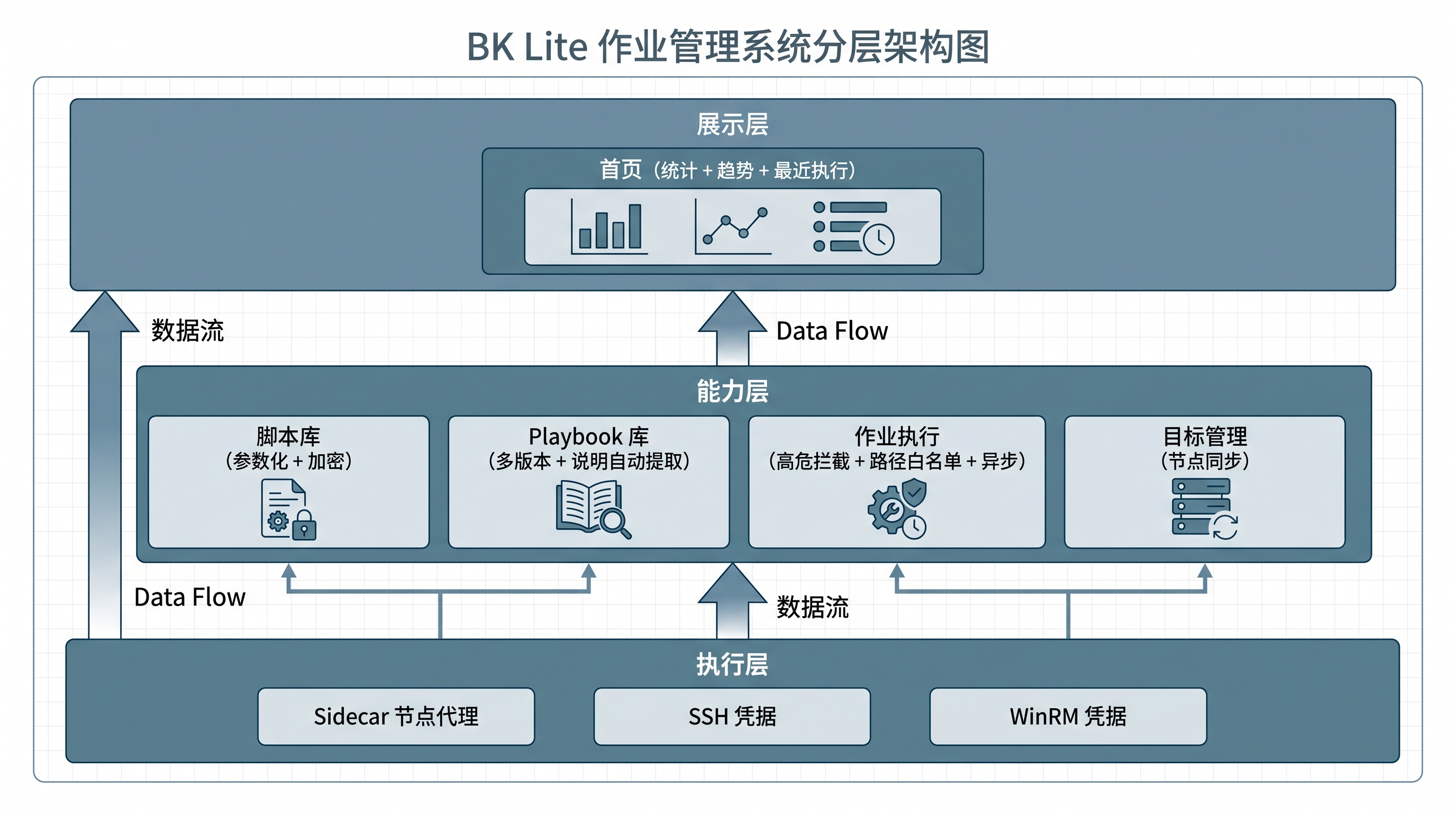
Which nodes actually have the probe installed, and which ones only had an installer run once? Which region already has the proxy IP or domain configured, and is the environment actually connected right now? Which version of the probe is running on the same node type, and which configuration is truly in effect?

No one in the channel could answer all three questions cleanly in one pass.

That is where the discussion flips. What people are arguing about is no longer "was the probe installed or not", but "after installation, can it still be managed as part of an ongoing process".

Many teams realize that "probe management is getting harder" not when installation fails, but at the moment when the overall probe state can no longer be assembled into one coherent view.

The components may not be missing. The scripts may not have failed.

But the moment you start asking which nodes already have the probe, which version is running, and which configuration is active, the problem stops looking like an installation issue and starts looking like a governance issue.

When Running Scripts at Scale in Production, the Biggest Risk Often Isn't the Script

· 9 min read

Twenty minutes before a month-end settlement window, disk usage on several nodes in the accounting cluster suddenly starts climbing. No one in the war room asks how the script should be written first. The first question is another one entirely: are we only touching a handful of abnormal nodes, or are we about to hit an entire execution group by accident?

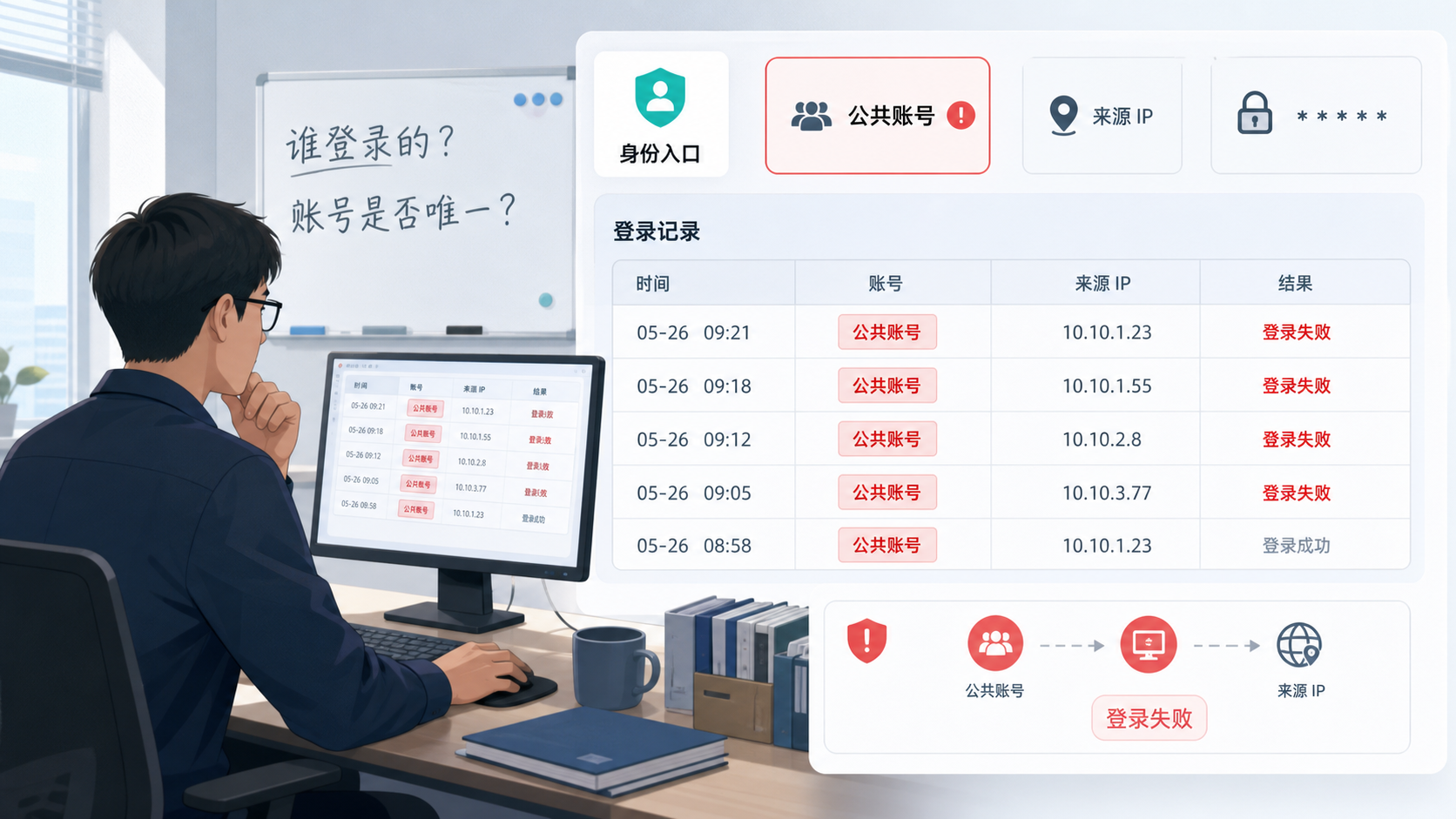
What makes people tense is not whether to run a batch action at all. It is whether anyone can confidently say that this one click will land only where it is supposed to land. Script content, target scope, destination path, and post-execution traceability can all become failure amplifiers. In many production incidents caused by "automation gone wrong", the problem is not automation itself. The execution capability moves faster than the safety boundaries around it.

When 10 Alerts Actually Mean 1 Problem: How to Govern Alert Noise Efficiently

· 12 min read

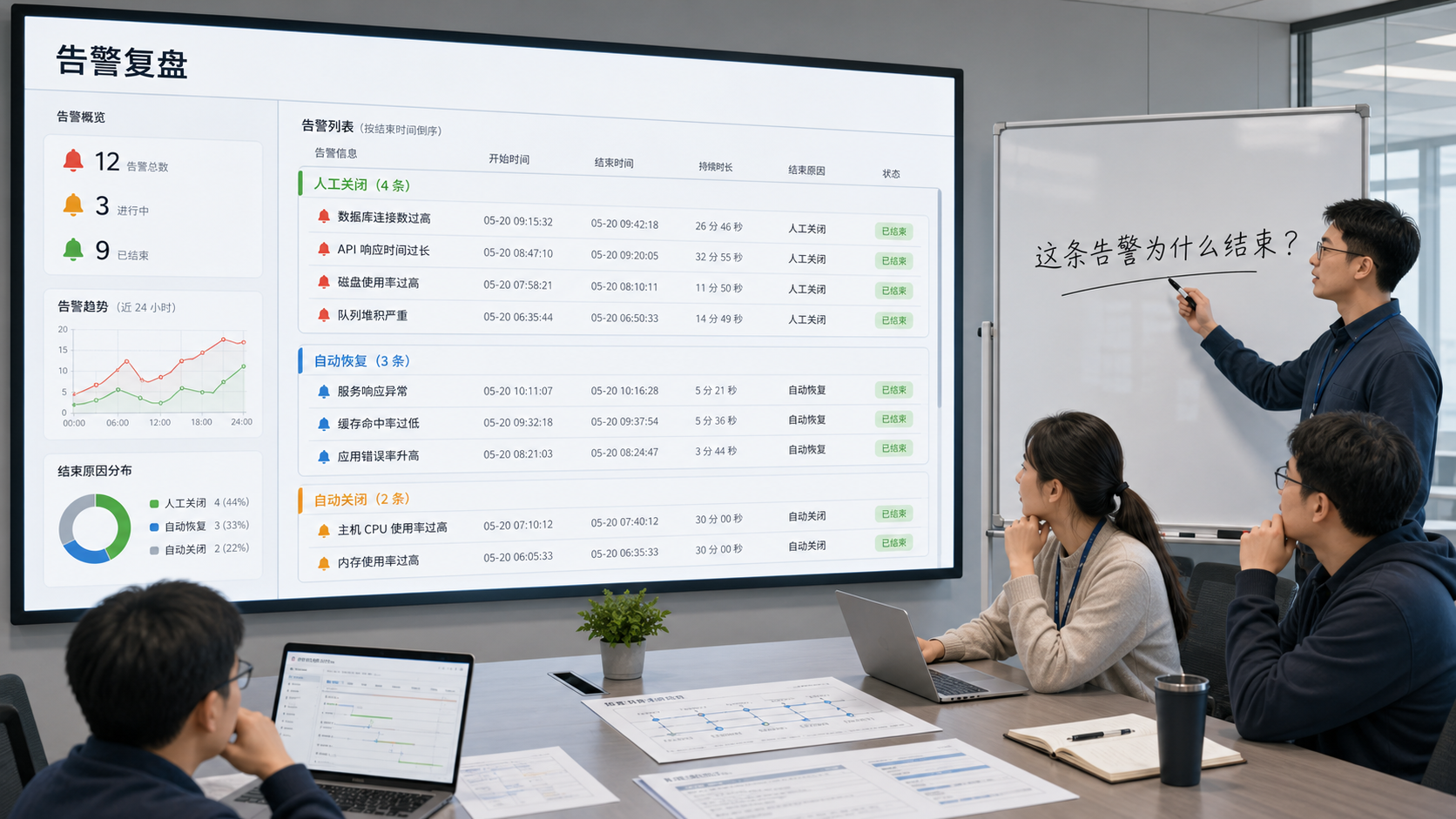
Right after a release finishes, the alert list is already full of red states.

Host metrics are jittering, application error rates are rising, the log platform is surfacing anomalies, and the team channel is flooded with notifications from different sources within minutes. Lao Qian, the platform troubleshooter on duty, does not rush to claim alerts one by one. It is not because he is slow. It is because he knows the real danger in that moment is not that no one sees the problem. It is that everyone gets dragged in different directions by 10 alerts that all look equally urgent.

The hard part is rarely whether an anomaly has been detected.

The hard part is this: out of these 10 alerts, which one is the real handling unit?

When Log Alerts Keep Crying Wolf, Where Does the Problem Actually Start?

· 14 min read

Right after a routine Wednesday release, the release channel starts filling up with timeout reminders.

The order service is logging errors. Payment callbacks are logging errors too. Several instances all show similar keywords. Lao Zhao, the release owner, opens the log center, searches for timeout, Exception, and upstream reset, and then goes back to the alert list.

The real problem is not that the page lacks information. It is that there is suddenly too much of it.

During the review, someone asks a painful question:

Are these reminders describing the same problem, or are they already ten different handling objects?

The issue is not information scarcity. It is too much information. The same class of error keeps surfacing, alerts keep firing, and everyone in the group knows something is wrong, but no one can immediately answer the more important question: is this one problem or ten? Is the whole service degrading, or are only a few instances abnormal? Who should be pulled in first? Which layer should be checked first? Should the issue be escalated at all?

Many teams think logs overwhelm them with volume. In reality, what slows them down is that alerts never clearly define the handling unit at the very beginning. Keyword alerts and aggregation alerts can both work, but they answer different questions. The first captures the signal. The second draws the boundary of responsibility. If those two jobs are mixed together, the post-release troubleshooting scene quickly starts to feel like the boy who cried wolf.

When CMDB Really Fails: Not When You Can't Find Assets, but When You Can't Traverse Relationships

· 13 min read

Opening: You Enter the System, But Still Stop at the Edge

Let’s pull the scene in closer. The protagonist is Xiao Li, an SRE on duty at a financial customer.

2:40 The P99 latency of a core trading API spikes from 200 ms to 8 seconds, and the alert channel starts flooding.
2:41 Monitoring points to the order service host 10.20.31.47. CPU is maxed out and logs are full of errors.
2:42 Xiao Li opens the CMDB and finds the machine immediately. Asset name, IP, data center, owner. Everything looks tidy.
After 2:42... the real problem begins.

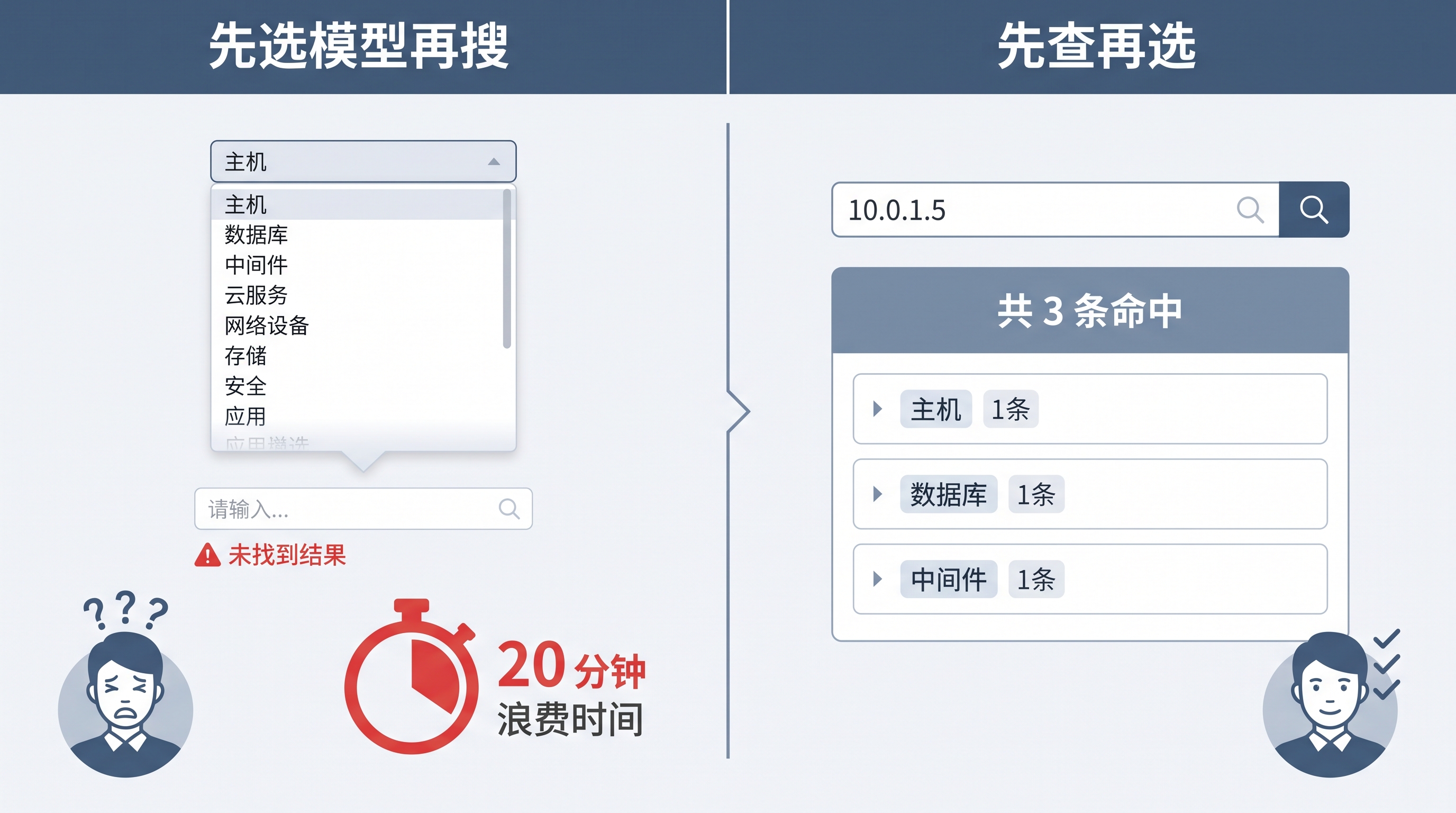
This is exactly the moment when many teams become disappointed with CMDB. It can tell you who the object is, but it cannot tell you what else it drags with it.